Article
7 Common Jira Configuration Mistakes (And How to Fix Them Like a Pro)
Avoid the most common Jira configuration mistakes that slow down teams and cause chaos. Learn how to fix them and streamline your Jira setup.
Introduction
Jira is a powerful platform, but even experienced admins can fall into common traps that impact performance, user experience, and scalability. Whether you're managing a small team or an enterprise-level instance, avoiding these pitfalls will save you time, frustration, and unnecessary complexity. In this post, we’ll uncover the 7 most frequent mistakes Jira Admins make — and how you can prevent them.
1. Ignoring Project Archiving
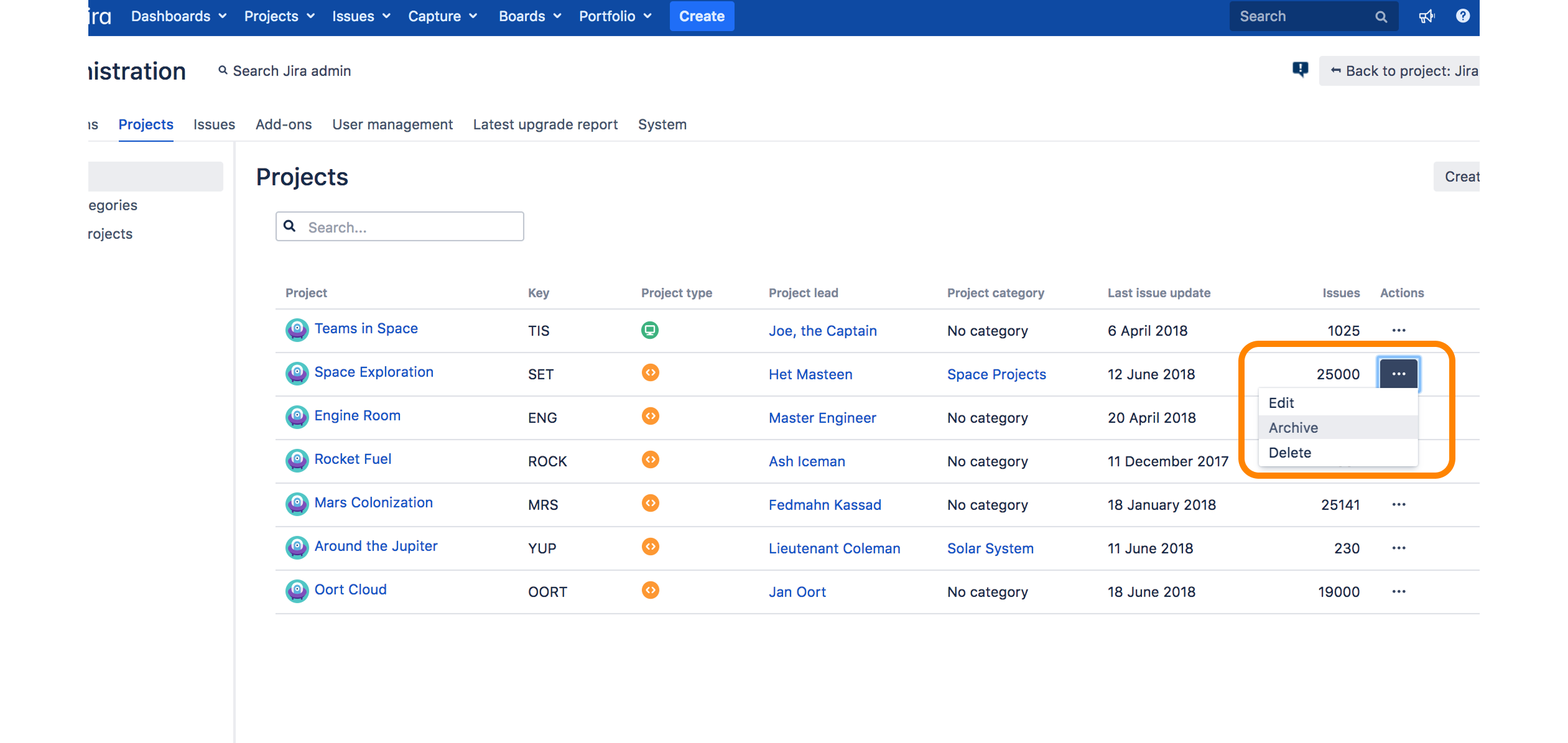
Many admins leave old projects active long after they're needed, cluttering the instance and slowing performance. Archiving unused projects is a critical maintenance habit that improves system health and searchability.
Key benefits:
- Improves Performance: Reduces indexing overhead and UI clutter.
- Streamlines Navigation: Makes it easier for users to find relevant projects.
- Enhances Backups: Smaller, cleaner database backups.
2. Overusing Custom Fields
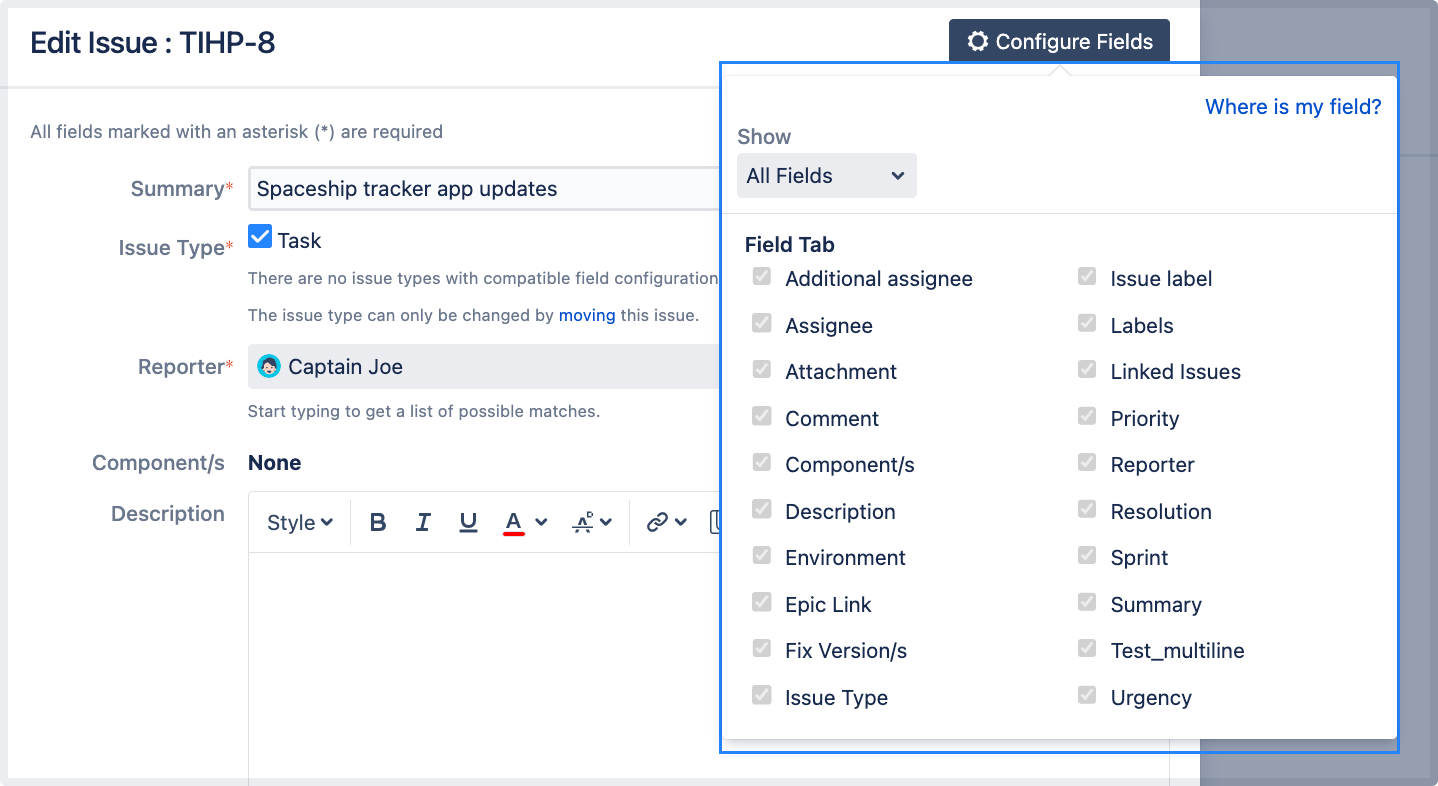
Excessive or redundant custom fields are one of the top contributors to Jira slowness. Take time to audit your fields and merge or remove those that aren't actively used.
Key benefits:
- Speeds Up Searches: Less overhead for indexing and filters.
- Simplifies Forms: Easier for users to create and update issues.
- Better Maintainability: Reduced admin workload in the long run.
3. No Automation in Place
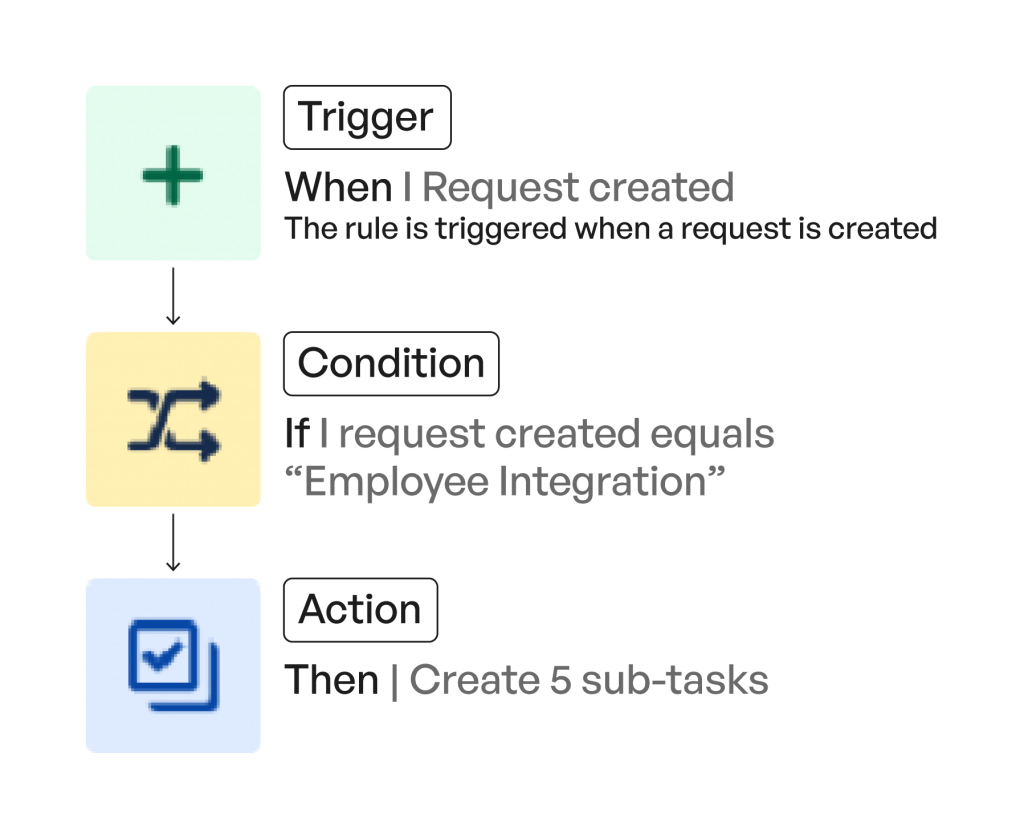
Jira’s automation engine can drastically cut down on manual tasks, yet many admins don’t take full advantage of it. Automate repetitive tasks like assigning issues, sending reminders, or updating fields.
Key benefits:
- Saves Time: Handles repetitive admin work automatically.
- Ensures Consistency: Reduces human error across workflows.
- Improves User Experience: Issues progress seamlessly without bottlenecks.
4. Weak Permission Schemes
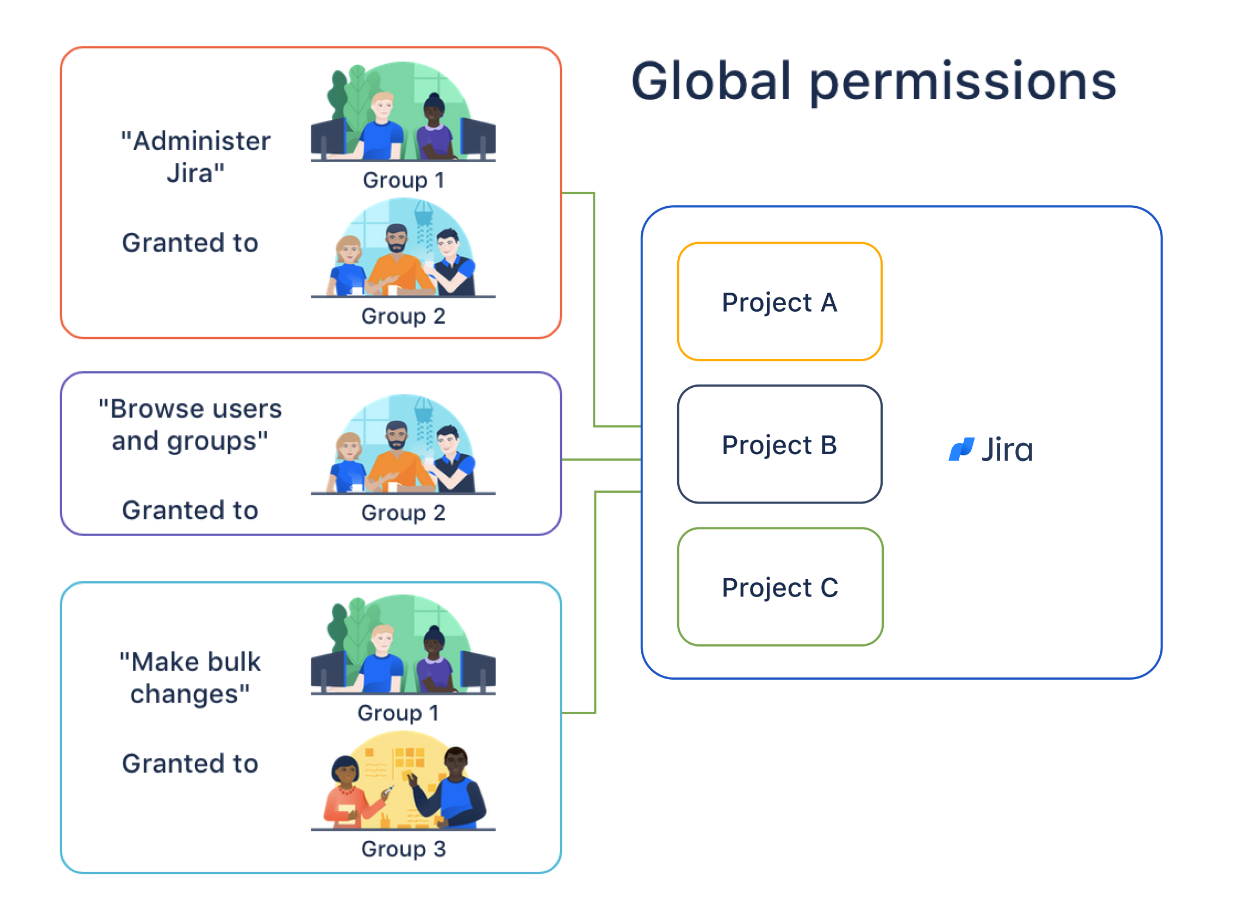
Poorly structured permissions can lead to either excessive access or restricted collaboration. A good scheme balances security with usability.
Key benefits:
- Boosts Security: Controls access to sensitive data.
- Promotes Collaboration: Grants access only where it’s needed.
- Easy Maintenance: Use groups and project roles for scalable management.
5. Disorganized Workflows

Cluttered or overly complex workflows confuse users and slow down ticket progression. Stick to the essentials and remove unnecessary statuses or transitions.
Key benefits:
- Reduces Confusion: Simpler flows = faster onboarding.
- Faster Ticket Resolution: No roadblocks or unclear transitions.
- Better Reporting: Clean workflows give accurate status insights.
6. Skipping SLA Tracking
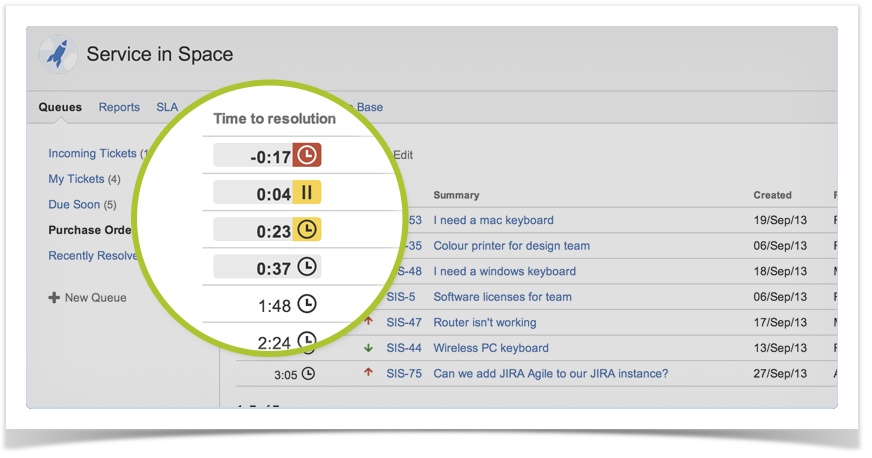
In Jira Service Management, SLAs are essential. Ignoring them means you’re blind to delays and customer satisfaction drops. Use SLA reports and alerts to stay ahead.
Key benefits:
- Customer Trust: Meet and exceed expectations.
- Proactive Management: Fix problems before they escalate.
- Performance Metrics: Track team responsiveness over time.
7. No Naming Conventions
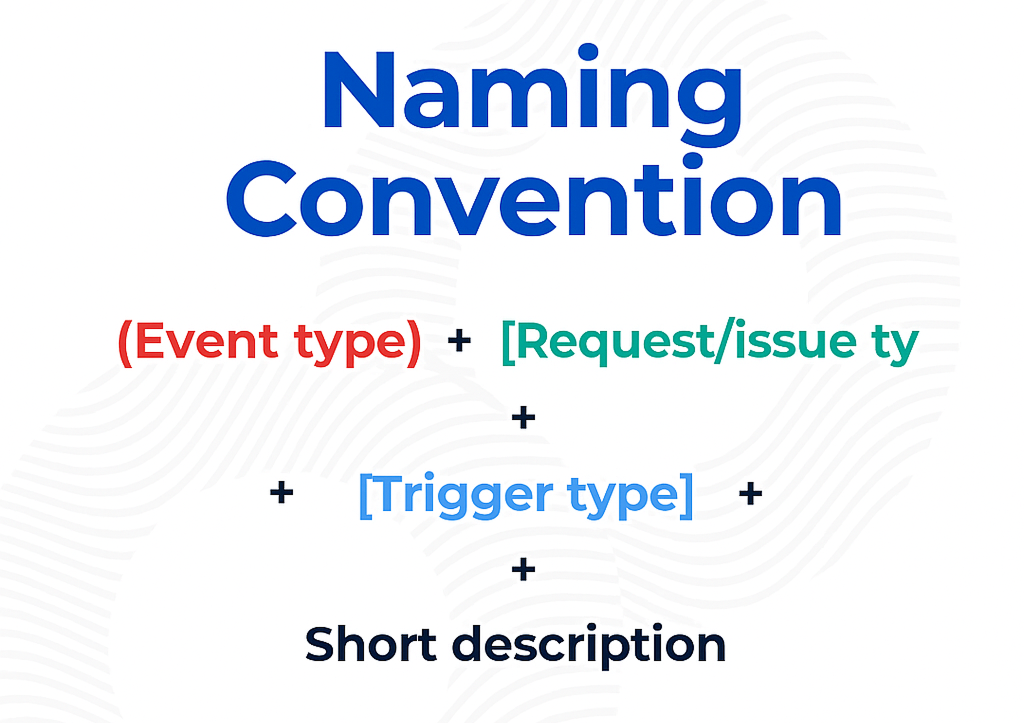
Without consistent naming for projects, issue types, or custom fields, things quickly spiral into chaos. Establish a naming standard and stick to it.
Key benefits:
- Better Usability: Makes navigation and configuration easier.
- Fewer Errors: Avoid duplicate fields or confusing names.
- Future-Proofing: Keeps your instance scalable as it grows.
Final Thoughts
Avoiding these common Jira admin mistakes can transform your instance into a high-performing, user-friendly, and future-proof system. Prioritize regular cleanups, leverage automation, maintain strong permission structures, and enforce consistent standards. These best practices will save you hours every week and ensure your Jira instance grows with your team — not against it.
Need help implementing these fixes? 👉 Contact me here
Or subscribe to my newsletter for weekly expert tips.
( Atlassian Consulting )
Need tailored Atlassian guidance?
Get expert assistance with custom configurations, Jira Service Management, Cloud migrations, Assets architecture and more.
Contact me →